As I sat in my small apartment, surrounded by vintage globes from different decades, I couldn’t help but think about the countless times I’ve heard people say that getting started with VR development is only for tech geniuses. But I’m here to tell you that’s just not true. In fact, I’ve seen people from all walks of life successfully dive into VR development, and I believe that with the right guidance, anyone can do the same. My own journey into the world of VR development began when I stumbled upon a small startup in New Delhi that was creating immersive experiences for social impact. I was fascinated by the potential of VR to connect people across cultures and geographies.
In this article, I’ll share my own no-nonsense approach to getting started with VR development. I’ll walk you through the basics of what you need to get started, from software to hardware, and provide you with practical advice on how to overcome common obstacles. My goal is to provide you with a clear roadmap for success, without any hype or jargon. By the end of this article, you’ll have a solid understanding of how to begin your own VR development journey, and you’ll be equipped with the knowledge and confidence to start creating your own immersive experiences. Whether you’re a seasoned developer or just starting out, I invite you to join me on this journey into the world of VR development.
Table of Contents
Project Overview
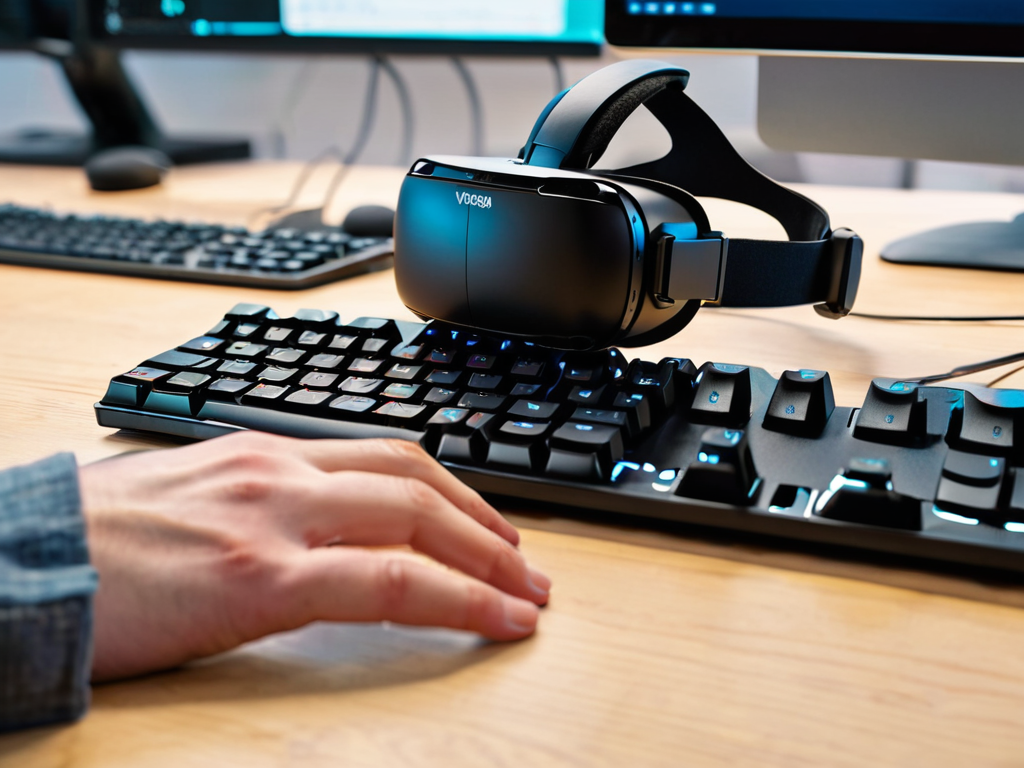
Total Time: 4 hours 30 minutes
Estimated Cost: $100 – $500
Difficulty Level: Intermediate
Tools Required
- Computer with Graphics Card ((capable of handling VR demands))
- VR Headset ((e.g., Oculus or Vive))
- Programming Software ((e.g., Unity or Unreal Engine))
- Code Editor ((e.g., Visual Studio Code))
- 3D Modeling Software ((optional))
Supplies & Materials
- VR Development Kit ((if required by chosen platform))
- Controllers or Tracking Devices ((depending on VR setup))
- Comfortable Workspace ((with 6 feet of clearance for movement))
- Reference Materials ((e.g., tutorials, documentation, and online courses))
- Test Devices ((for debugging and testing purposes))
Step-by-Step Instructions
- 1. First, let’s start with the basics – grabbing the right software to bring your VR ideas to life. This includes choosing a game engine, such as Unity or Unreal Engine, that supports VR development. I’ve had the chance to work with both, and I must say, each has its own unique strengths. For instance, Unity is great for beginners, with a vast community and plenty of resources available, while Unreal Engine offers more advanced features, especially when it comes to graphics and performance.
- 2. Next, you’ll need to set up your development environment. This involves installing the chosen game engine, as well as any additional tools or plugins required for VR development, such as VR software development kits (SDKs). It’s also essential to ensure your computer meets the system requirements for VR development, which typically includes a high-performance graphics card, plenty of RAM, and a multi-core processor. I recall my first time setting up a VR development environment; it was a bit of a challenge, but plenty of online resources are available to guide you through the process.
- 3. Now that you have your environment set up, it’s time to create a new VR project. This involves launching your game engine and selecting the VR template or project type. For example, in Unity, you would select “3D” as the game type and then choose the VR platform you’re targeting, such as Oculus or Vive. Configuring the project settings is also crucial, as it determines how your VR experience will be rendered and interacted with.
- 4. With your project created, you can start building your VR scene. This involves adding 3D models, textures, and other assets to your scene, as well as setting up the lighting and camera. It’s essential to keep in mind the principles of VR design, such as ensuring a comfortable viewing distance and avoiding excessive movement or clutter. I’ve found that creating an immersive experience is all about attention to detail and understanding how users will interact with your scene.
- 5. Once you have a basic scene set up, it’s time to add interactivity. This can involve adding scripts to handle user input, such as controller movements or voice commands, as well as implementing physics and collision detection. Scripting is a critical part of VR development, as it allows you to create dynamic and responsive interactions that enhance the user experience.
- 6. As you continue to build and refine your VR experience, it’s essential to test and iterate. This involves putting on the VR headset and testing your scene, making adjustments as needed to ensure a smooth and comfortable experience. Debugging is also a crucial part of this process, as it helps you identify and fix any issues that may be affecting performance or functionality.
- 7. Finally, when you’re satisfied with your VR experience, it’s time to deploy and share. This can involve exporting your project to various VR platforms, such as the Oculus Store or SteamVR, as well as optimizing it for different hardware configurations. Marketing and distribution are also important considerations, as they help you reach your target audience and get your VR experience seen by as many people as possible.
Getting Started With Vr Development
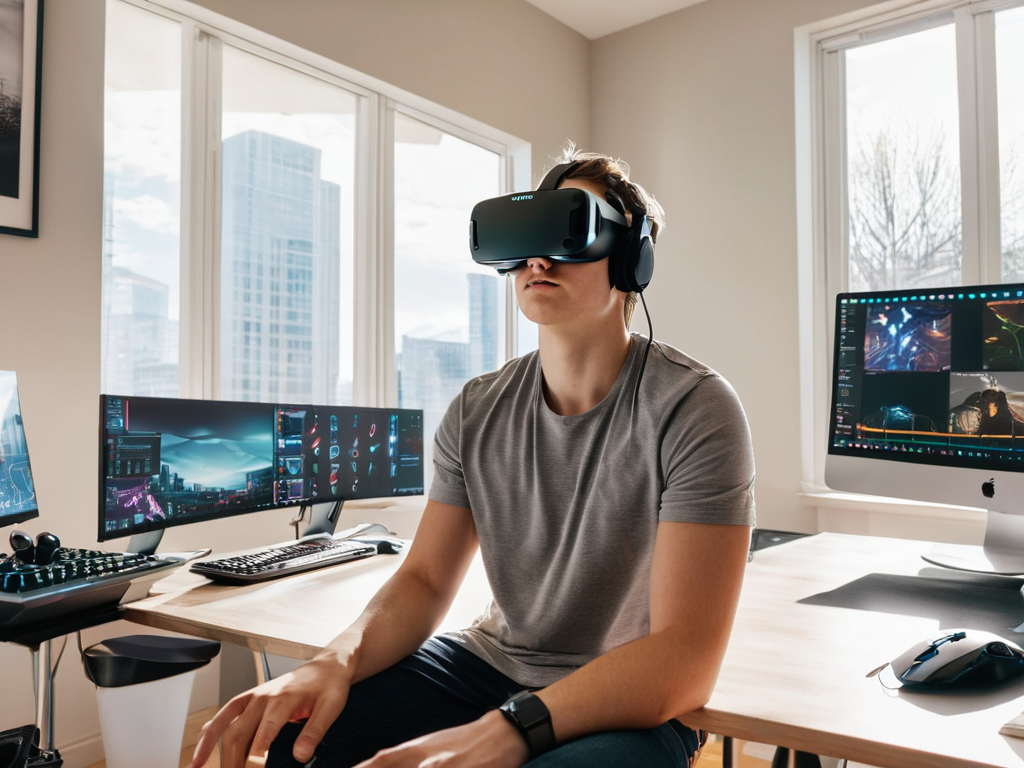
As I reflect on my own journey into vr development for beginners, I realize that choosing the right tools is crucial. One of the most important decisions you’ll make is selecting a vr engine that suits your needs. This will be the foundation upon which you build your immersive experiences. With so many options available, it’s essential to research and compare features to find the one that aligns with your goals.
When it comes to introduction to virtual reality programming, it’s easy to feel overwhelmed by the vast array of resources available. However, I’ve found that focusing on building immersive vr experiences is key to creating engaging content. This involves considering factors such as user interaction, spatial audio, and visuals that draw the user in. By prioritizing these elements, you’ll be well on your way to crafting unique and captivating experiences.
To take your skills to the next level, I recommend exploring vr software development kit tutorial resources. These tutorials will provide you with hands-on experience and insight into vr development best practices, allowing you to refine your craft and stay up-to-date with the latest industry trends. By combining these skills with a deep understanding of your chosen vr engine, you’ll be equipped to create innovative and immersive experiences that leave a lasting impression.
Choosing a Vr Engine for Beginners
As I reflect on my own journey into VR development, I’m reminded of the numerous engines available. For beginners, it’s essential to select one that balances ease of use with flexibility. I’ve found that Unity and Unreal Engine are popular choices, offering extensive resources and communities. Unity, in particular, stands out for its user-friendly interface and cross-platform compatibility, making it an excellent starting point for those new to VR development. Its vast asset store and tutorials also provide a solid foundation for learning and growth.
Introduction to Virtual Reality Programming
As I delve into the world of virtual reality programming, I’m reminded of my travels to Tokyo, where I marveled at the cutting-edge tech that seemed to blur the lines between reality and fantasy. Similarly, VR programming holds the power to transport us to new dimensions, and it all begins with a deep understanding of the underlying code. With a background in international relations, I’ve come to appreciate the importance of language – not just human language, but also the languages that power our digital landscapes.
My collection of vintage globes, each one a relic from a bygone era, serves as a poignant reminder of the ever-changing nature of our world. As I explore the realm of VR programming, I’m excited to uncover the stories that will shape our collective future. By grasping the fundamentals of VR programming, we can unlock new avenues for creative expression, cultural exchange, and innovation, ultimately bridging the gaps between communities and fostering a more empathetic global citizenry.
Embarking on the VR Journey: 5 Essential Tips for Beginners
- Start by experimenting with simple VR projects to get a feel for the technology and its capabilities
- Choose a user-friendly VR engine that aligns with your programming skills and the type of experience you want to create
- Familiarize yourself with the fundamentals of virtual reality programming, including concepts like 3D modeling and spatial audio
- Don’t be afraid to join online communities and forums to connect with other VR developers, learn from their experiences, and stay updated on the latest trends and best practices
- Keep your first projects small and focused, allowing you to refine your skills and gradually build up to more complex and immersive VR experiences
Key Takeaways for Aspiring VR Developers
As I reflect on my journey to understand the intricacies of VR development, I realize that choosing the right VR engine is crucial – it’s not just about the technology, but about the community and resources that come with it, much like how I’ve learned to appreciate the diverse cultures I’ve encountered during my travels
Embracing the iterative process of trial and error is essential, just as how I’ve had to navigate uncharted territories in my globetrotting adventures, and it’s in these moments of uncertainty that we discover our most innovative solutions
Ultimately, the world of VR development is a dynamic, ever-evolving landscape – to truly thrive, one must be willing to continuously learn, adapt, and push the boundaries of what’s possible, a mindset that I believe is essential for any global citizen seeking to make a meaningful impact in today’s interconnected world
Embracing the Frontier
As we step into the realm of VR development, we’re not just crafting code or designing experiences – we’re bridging the gap between the physical and the virtual, and in doing so, we’re unlocking new dimensions of human connection and creativity.
Alexandra Thompson
Conclusion
As we conclude our journey into the world of VR development, it’s essential to reflect on the key takeaways. We’ve covered the basics of getting started, from introducing yourself to virtual reality programming to choosing the right VR engine for your projects. These foundational steps are crucial in building a strong understanding of the VR development landscape. By mastering the fundamentals, you’ll be well-equipped to navigate the ever-evolving world of virtual reality and stay ahead of the curve.
As you embark on your own VR development journey, remember that the true power of virtual reality lies not just in its technology, but in its ability to transport us to new dimensions and foster empathy and understanding. By pushing the boundaries of what’s possible in VR, you’re not only creating immersive experiences but also contributing to a global movement that has the potential to bridge cultural divides and inspire new perspectives. So, keep exploring, keep creating, and most importantly, keep pushing the limits of what’s possible in this vast, uncharted territory.
Frequently Asked Questions
What are the most common challenges faced by beginners in VR development?
As I’ve seen in my travels, beginners in VR development often face challenges like navigating complex software, optimizing performance, and creating immersive user experiences. These hurdles can be daunting, but with patience and practice, they can be overcome, much like navigating uncharted territories.
How do I choose the right hardware for my VR project?
When selecting hardware for my VR projects, I consider the type of experience I want to create and the level of immersion I need. For beginners, I recommend starting with a high-performance computer, a good graphics card, and a reliable VR headset – it’s all about finding the right balance between power and affordability.
What programming languages are most commonly used in VR development and how do I get started with them?
As I’ve navigated the realm of VR development, I’ve found that C#, C++, and Java are the most commonly used programming languages. To get started, I recommend exploring Unity or Unreal Engine, which support these languages and offer extensive resources for beginners, including tutorials and online courses.